What it is
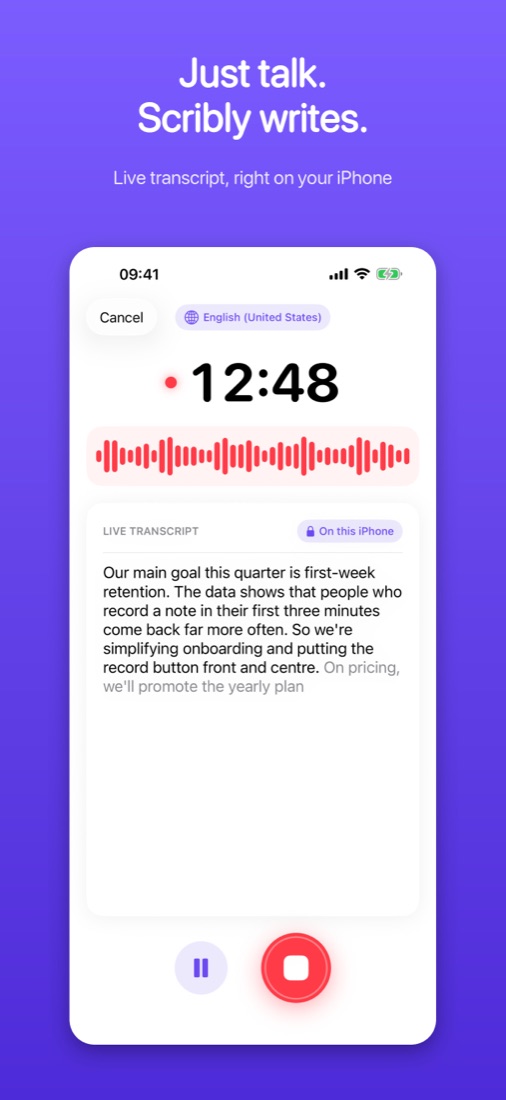
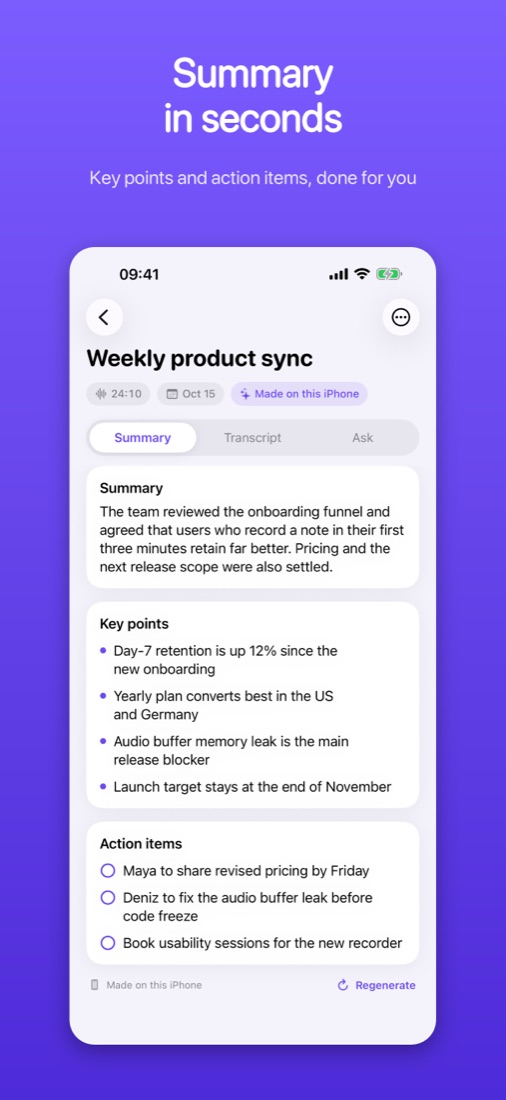
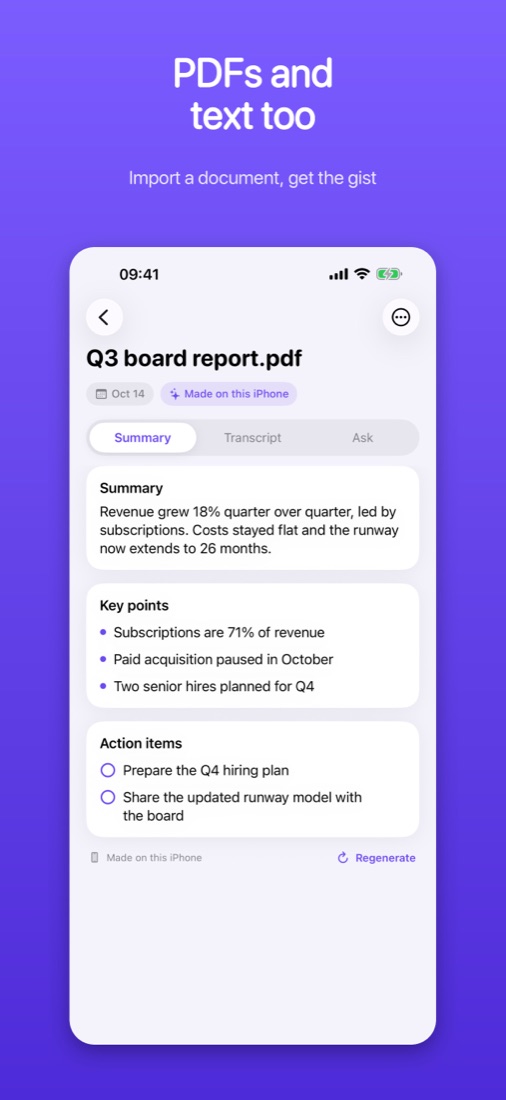
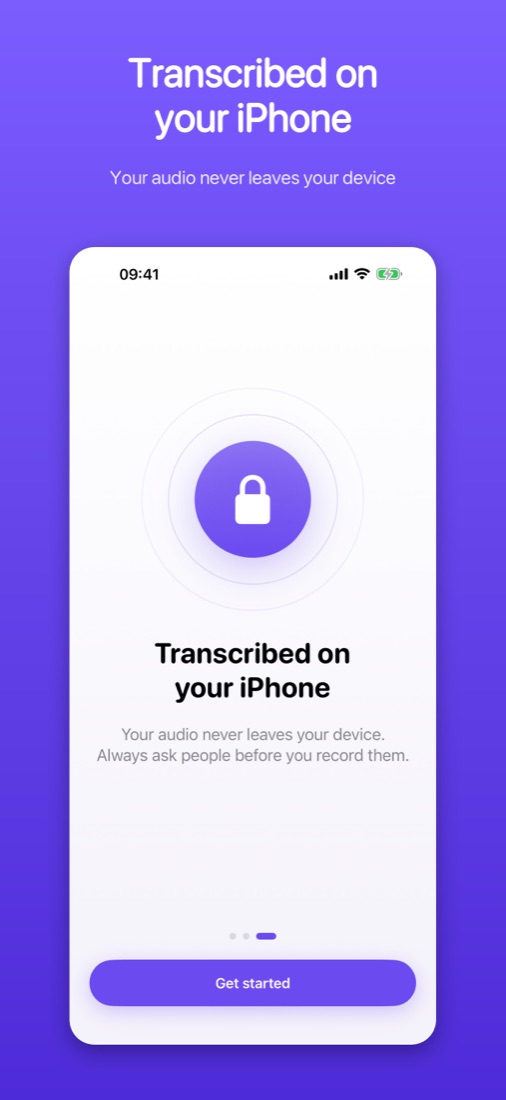
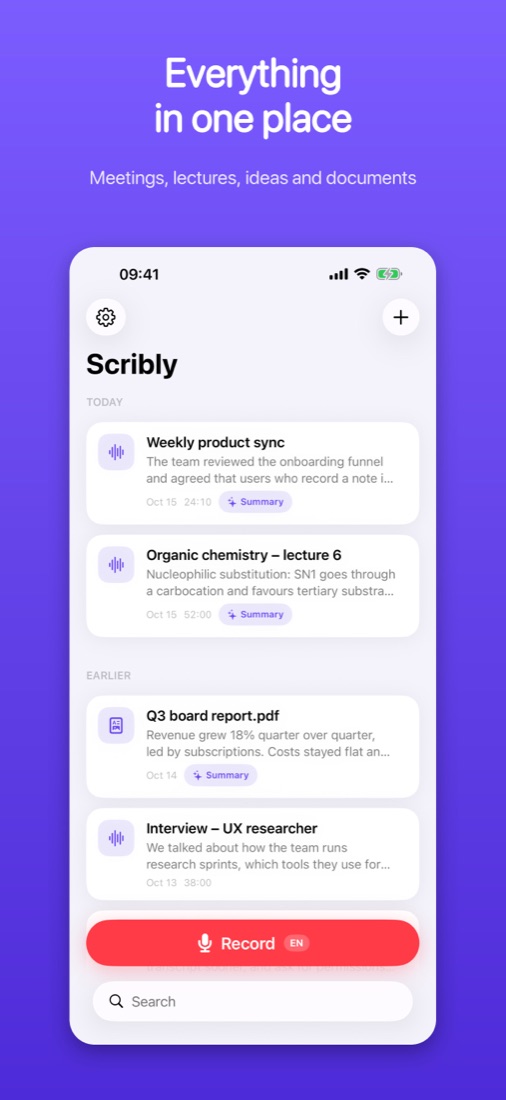
Never take notes by hand again. Record a meeting, lecture or idea and watch it turn into text as you speak. When you stop, Scribly writes a clear summary with key points and action items. Transcription happens on your iPhone, so your audio never leaves your device. Works in English, Turkish, German, Spanish, Portuguese, French and Japanese; AI summaries need an iPhone with Apple Intelligence.
What it does
- Live transcript while you talk, even with the screen locked
- Transcribed on your iPhone: your audio never leaves your device
- Summary, key points and action items in seconds
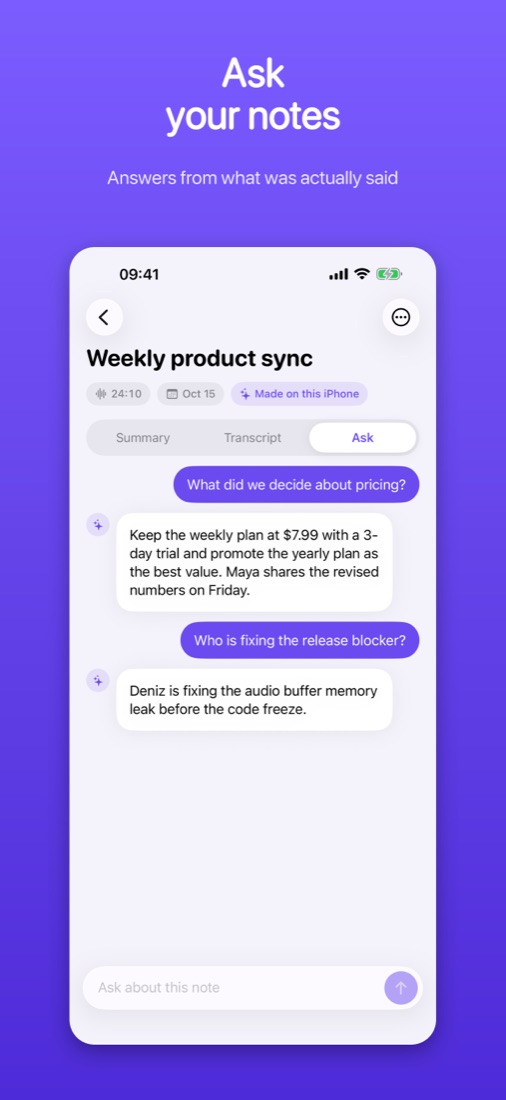
- Ask questions about any note
- Import PDFs (even scanned ones) or paste text to summarize
- Pause, resume and play back at 1.5x or 2x
- Share notes as text or export a PDF
- 7 languages, including English and Turkish
Common questions
- Recording doesn't show live text
- Check Settings → Scribly and make sure Microphone and Speech Recognition are on. The first recording in a new language may download Apple's language model, so connect to the internet once. Your audio is still recorded either way.
- "AI summaries: Not available"
- Summaries and Ask run on your iPhone with Apple Intelligence. Turn it on in Settings → Apple Intelligence & Siri (supported iPhones only) and wait for its model to finish downloading.
- Change the recording language
- Touch and hold the Record button and pick a language, or set it in Scribly → Settings → Recording language.
- Restore or cancel Scribly Pro
- Restore: Scribly → Settings → Restore purchases. Cancel: App Store → your account → Subscriptions. Refunds are handled by Apple at reportaproblem.apple.com.
- Where are my recordings?
- Only on your iPhone. Deleting a note deletes its audio; deleting the app deletes everything.
Need help with Scribly?
Email us and the person who builds the app will reply. The privacy policy and terms explain how your data is handled.